Jeopardy for the classroom
A review game the whole class wants to play. Put the board on the projector and let students buzz in from their own devices.
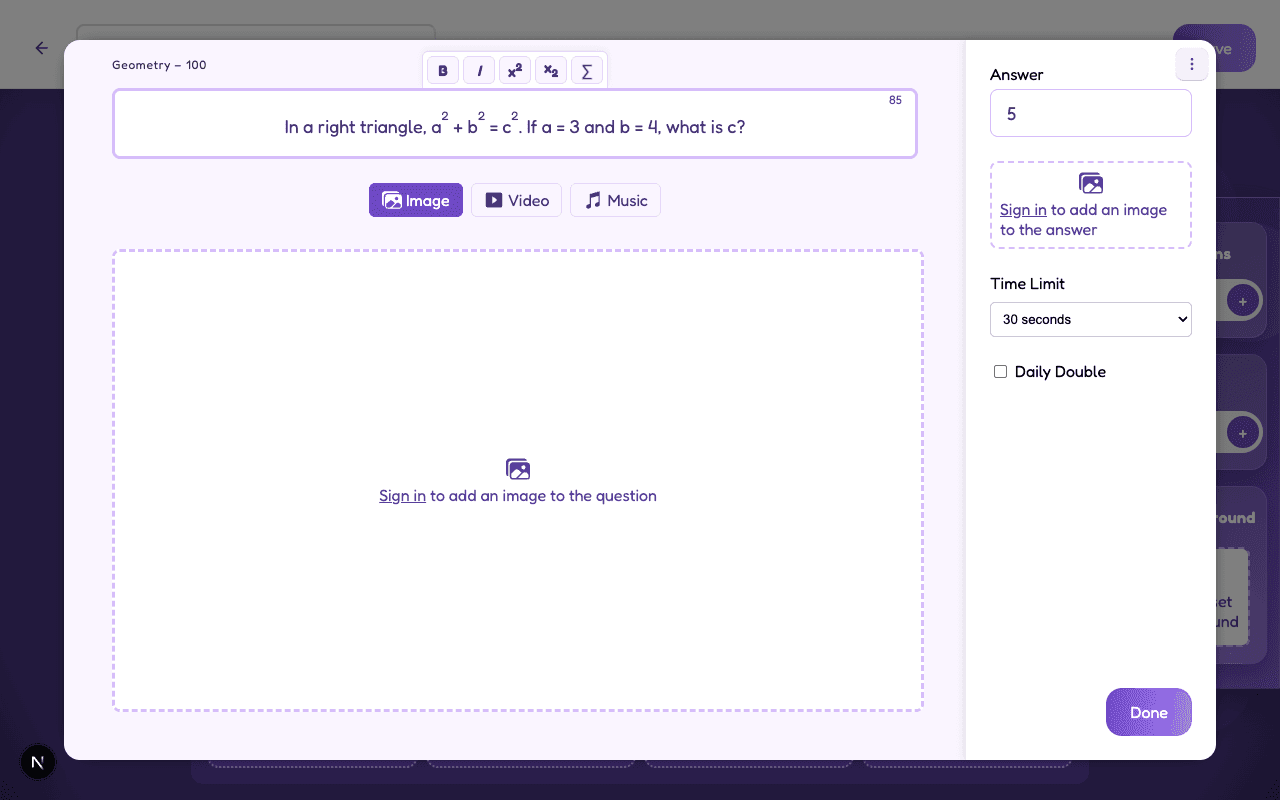
Create a JeopardyNeed ideas? How to make a math Jeopardy game

Fun while learning!
Students forget they're reviewing when they're racing to buzz in first. And every answer they pull from memory helps the lesson stick.

Works for any subject
Write equations for math, play a song in music class or add images to your geography questions. Jippis fits any class.
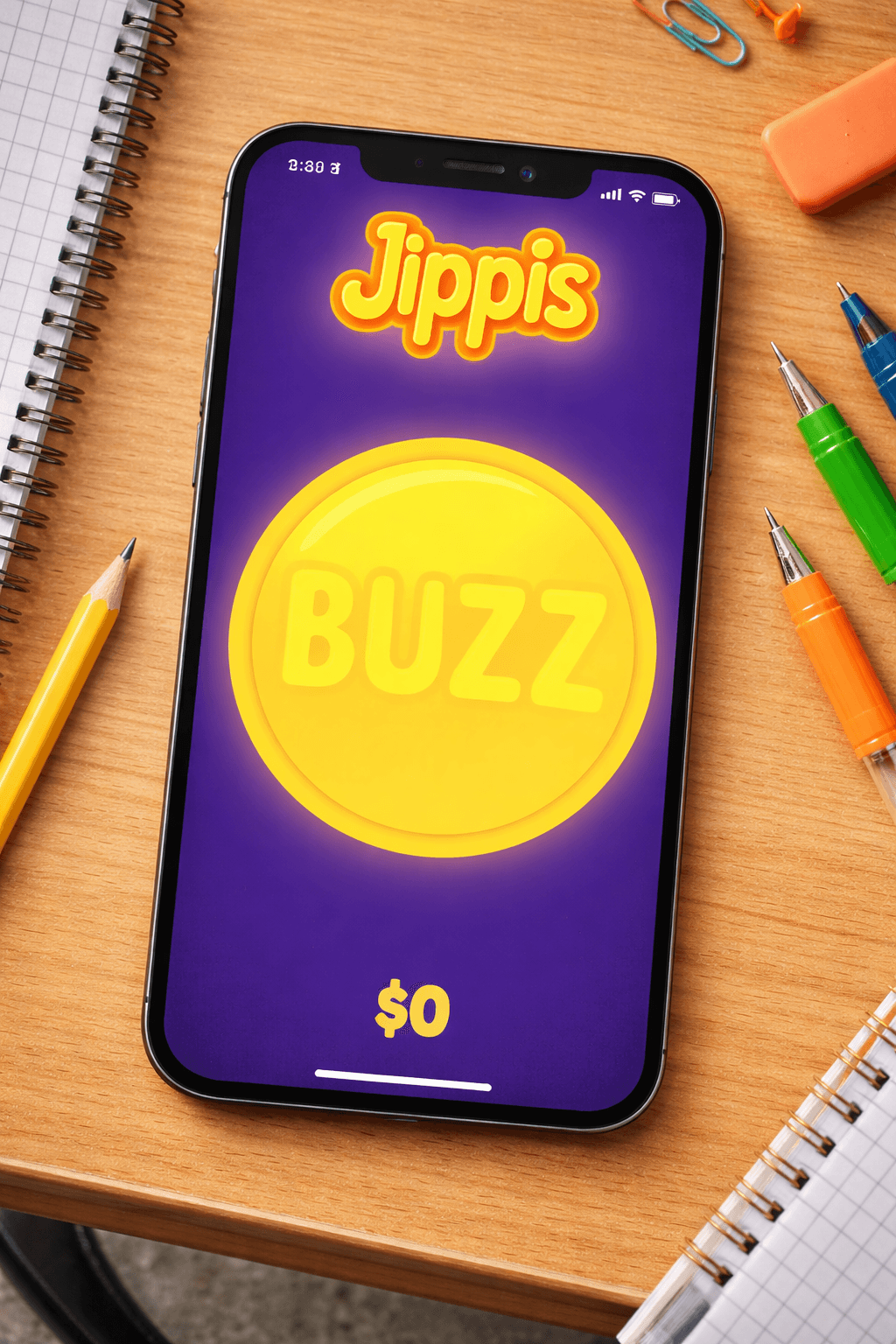
Everyone buzzes from their own device
Students join with a game code on a phone, tablet or Chromebook. The first team to buzz gets to answer.
No phones? No problem. Jippis works just as well without them.
Your class. Your board.
Pick the topics, write the clues and let the teams fight it out.
Create a JeopardyMore than a review game
Jippis is also a social game where everyone joins in and talks about the answers together. If your class is big, split into small teams.
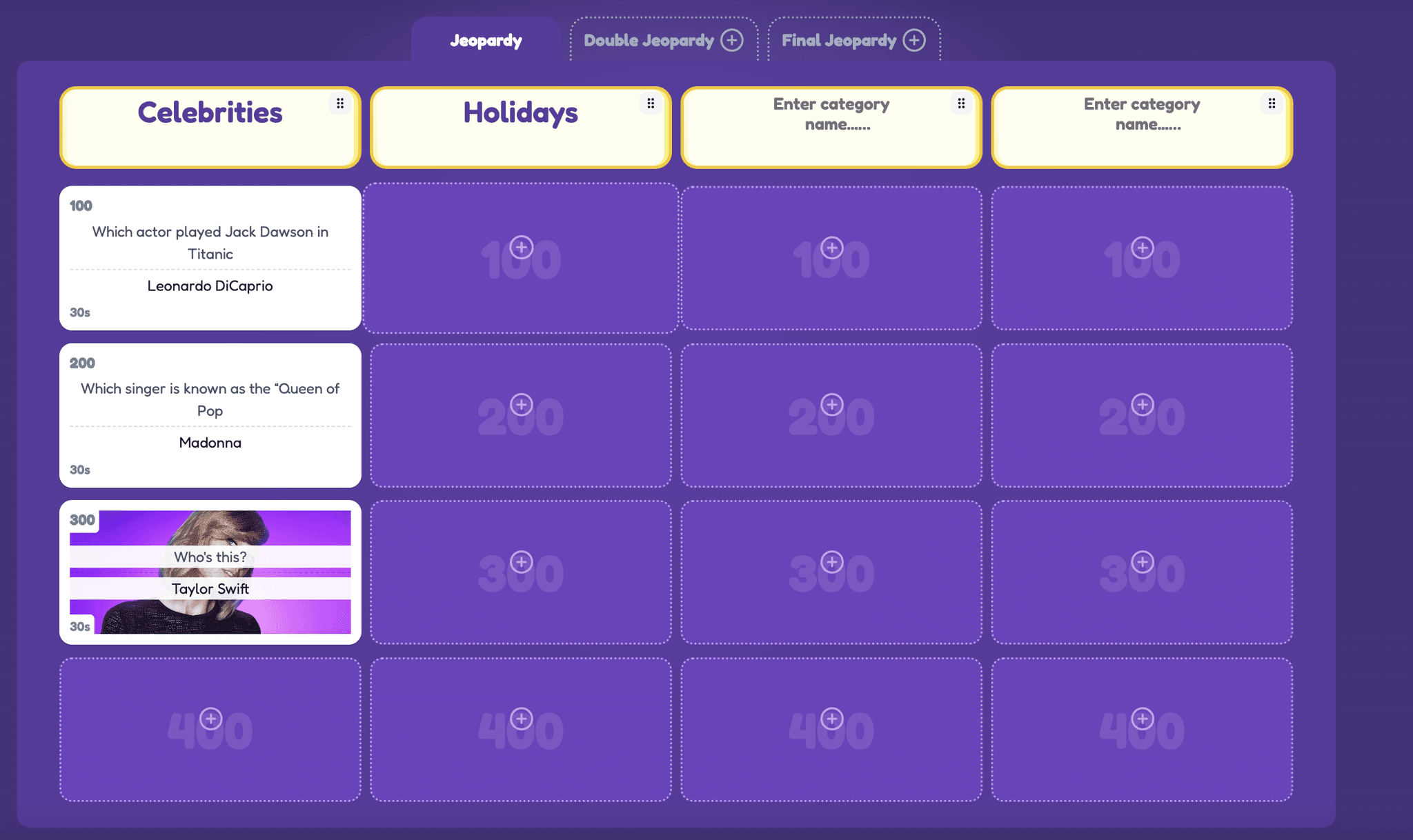
A board for your unit
One category per topic, easy questions at 100 and the tricky ones at 500.
Frequently asked questions
How many questions do I need?
As many as you'd like — there's no fixed number. You can stick to the classic six categories with five questions each, or build something smaller or bigger depending on how long you want the game to run.
How difficult should the questions be?
Generally, easier is better. Buzzing in first is a big part of Jeopardy, so reaction time ends up mattering as much as actually knowing the answer — and a room has more fun when most people can answer most of the questions, rather than everyone stalling on hard ones.
How can people join my Jeopardy game?
They join with a game code from their own phone or laptop — no app or account needed. That works whether everyone's in the same room or spread across a video call.
How do I turn this into a board I can actually run?
Open the Jippis creator, paste in whichever categories and clues you want to keep, and set a point value per question.
Do students need an account?
No. Students join with the game code on the screen. Only you need an account, so your boards are saved.
Does it work on school Chromebooks?
Yes. Everything runs in the browser, so there's nothing to install.