How to Play Jeopardy in the Classroom
A live quiz game your students will actually look forward to

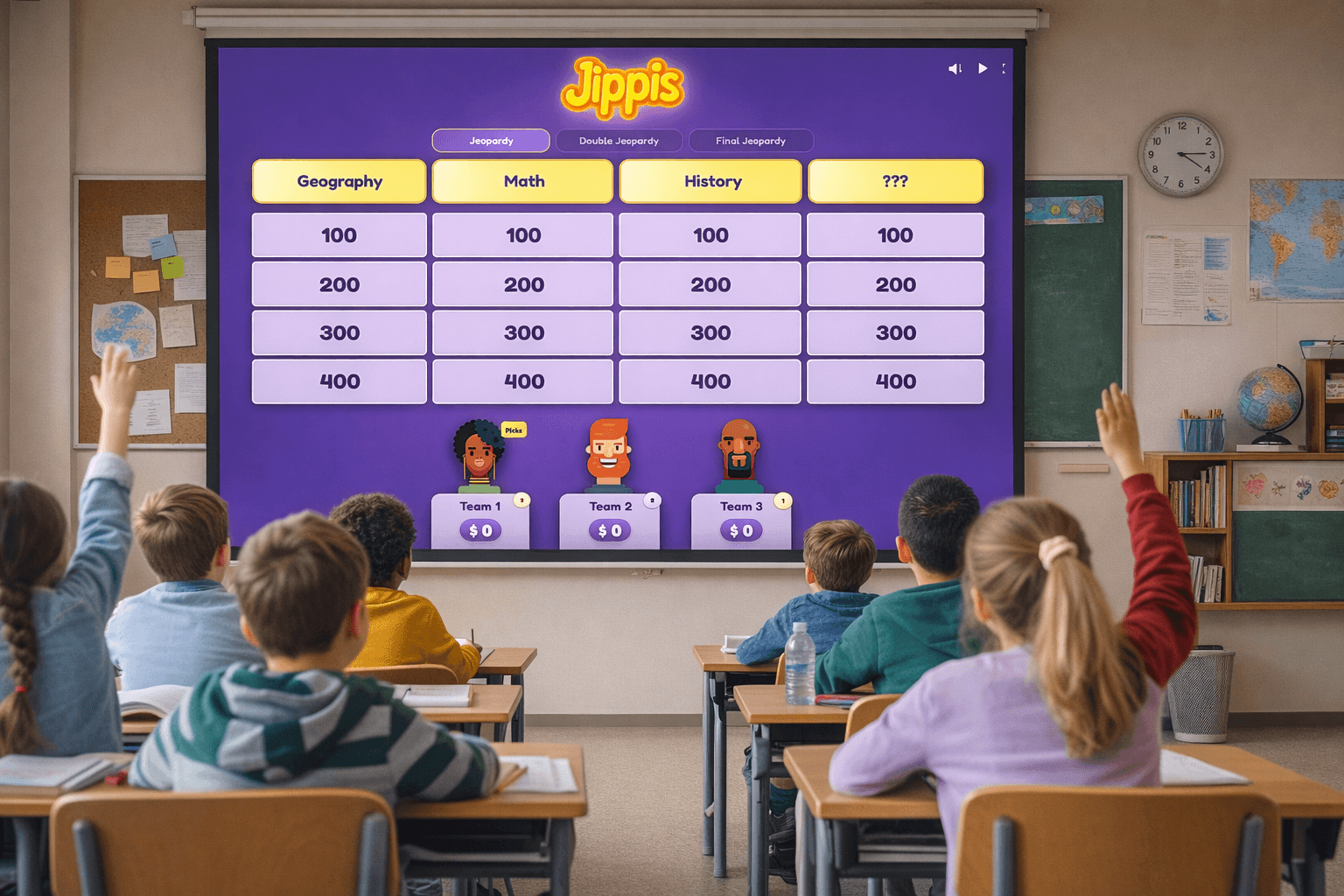
Jeopardy is a great way to make reviewing material fun. With Jippis you can build your own board and play it live with your class in minutes.
Create the board
Use our creator for creating a board. Start by adding categories based on your subject, then write questions for each with point values from 100 to 500 — easier clues at the bottom, harder ones at the top. Clues can include images and videos, not just text.
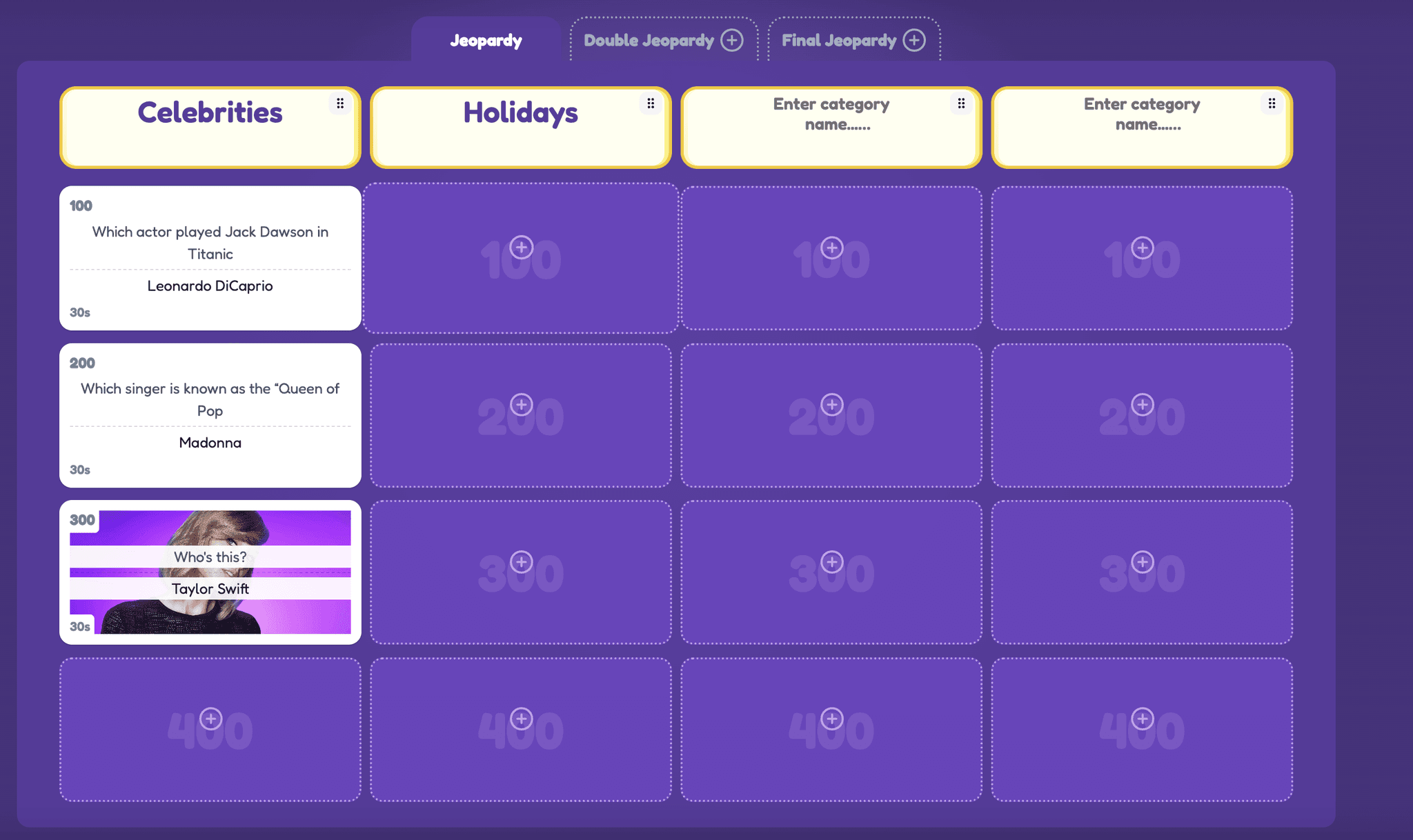
Play your newly created game
Pull up the board where everyone can see it — a TV, a projector, or a shared screen works great. You can run the game in two different ways:
You call on who answers
When a clue appears, you decide who gets to answer — for instance the first to raise their hand, or you may allow the whole class to answer by writing down their answers. Students don't need any devices.
Students buzz in from their devices
Another approach is to use buzzers, just like in real Jeopardy. Students join using a phone, tablet, or computer and hit the buzz button when they want to answer. The first team to buzz gets to answer.
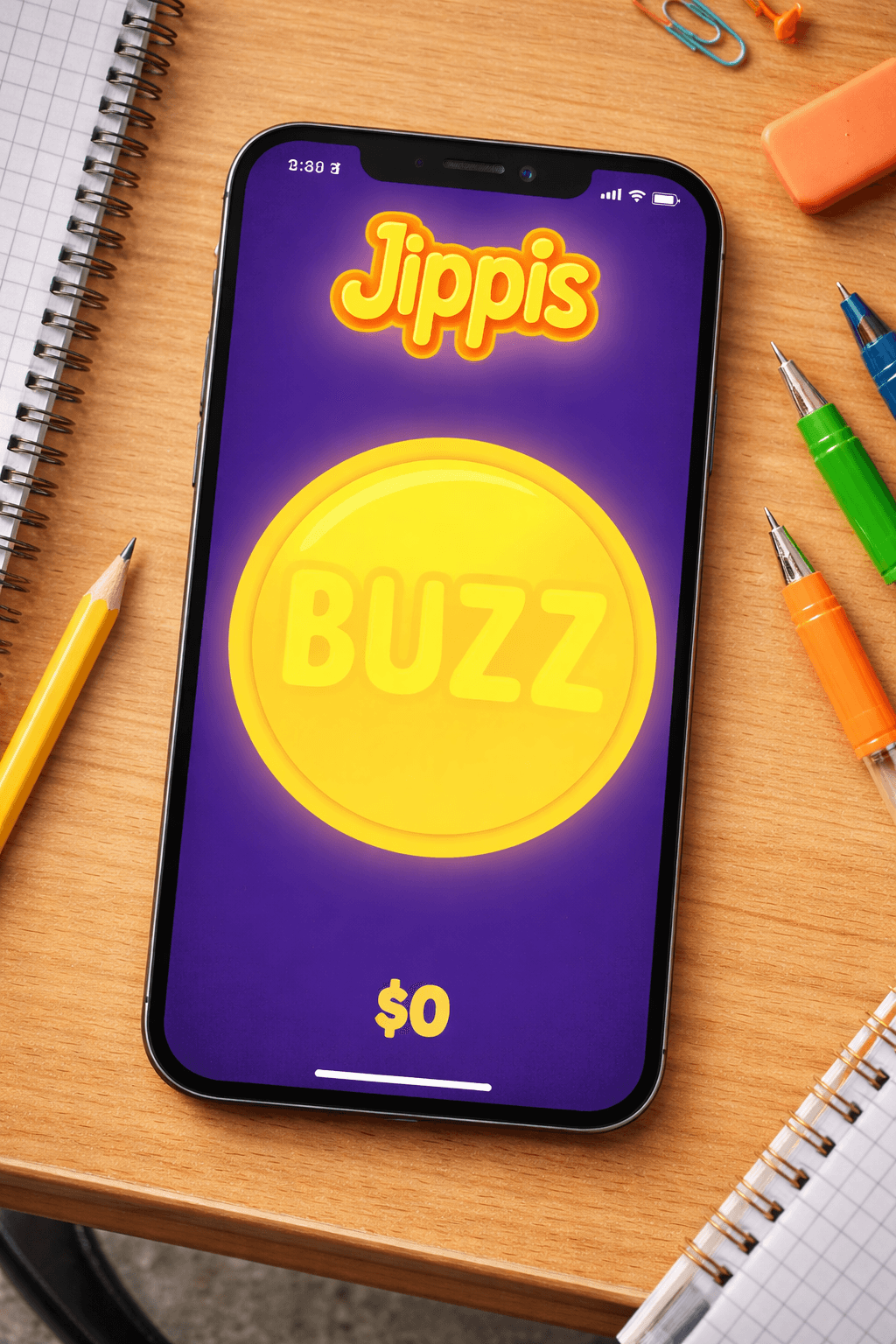
With 10 or more participants it can make sense to group people into teams. Teams discuss before answering, which keeps everyone involved.
Tips
- Decide upfront whether partial answers count
- Mix easy and hard clues so every team gets to score
- Keep the pace moving — energy drops with too much waiting
- Save the game and reuse it with other classes or update it for a new unit
Common questions
- Do students need accounts to join?
- No. They join with a game code — no signup required.
- How many students can play at once?
- As many as you need. A full class split into teams works great.
- Can I reuse the same game for different classes?
- Yes — games are saved to your account and can be played any number of times.
- Does it work on school Chromebooks?
- Yes. Everything runs in the browser.